

presents

Tools

Thirteen apps for your Mac. All of them free.

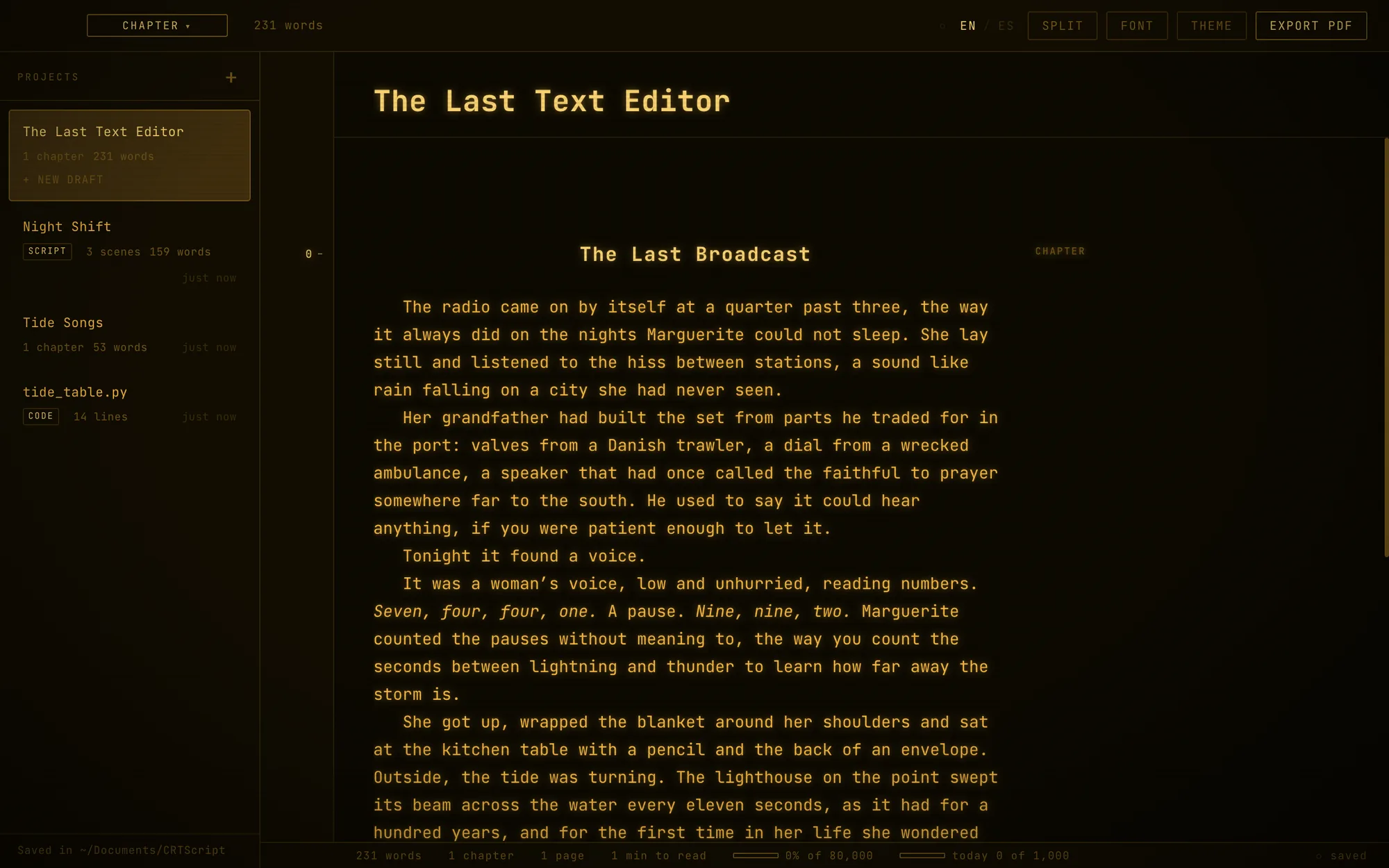
Small, handmade apps for writing comics, planning projects, recording your screen, keeping time, picking colours and playing music. Most of them glow like an old CRT screen, with themes to pick from, and every one of them is 100% free.

Free, for goodNo accountsNo adsNo tracking

Make

For writing, collecting and choosing.

The Comikaut iconComics

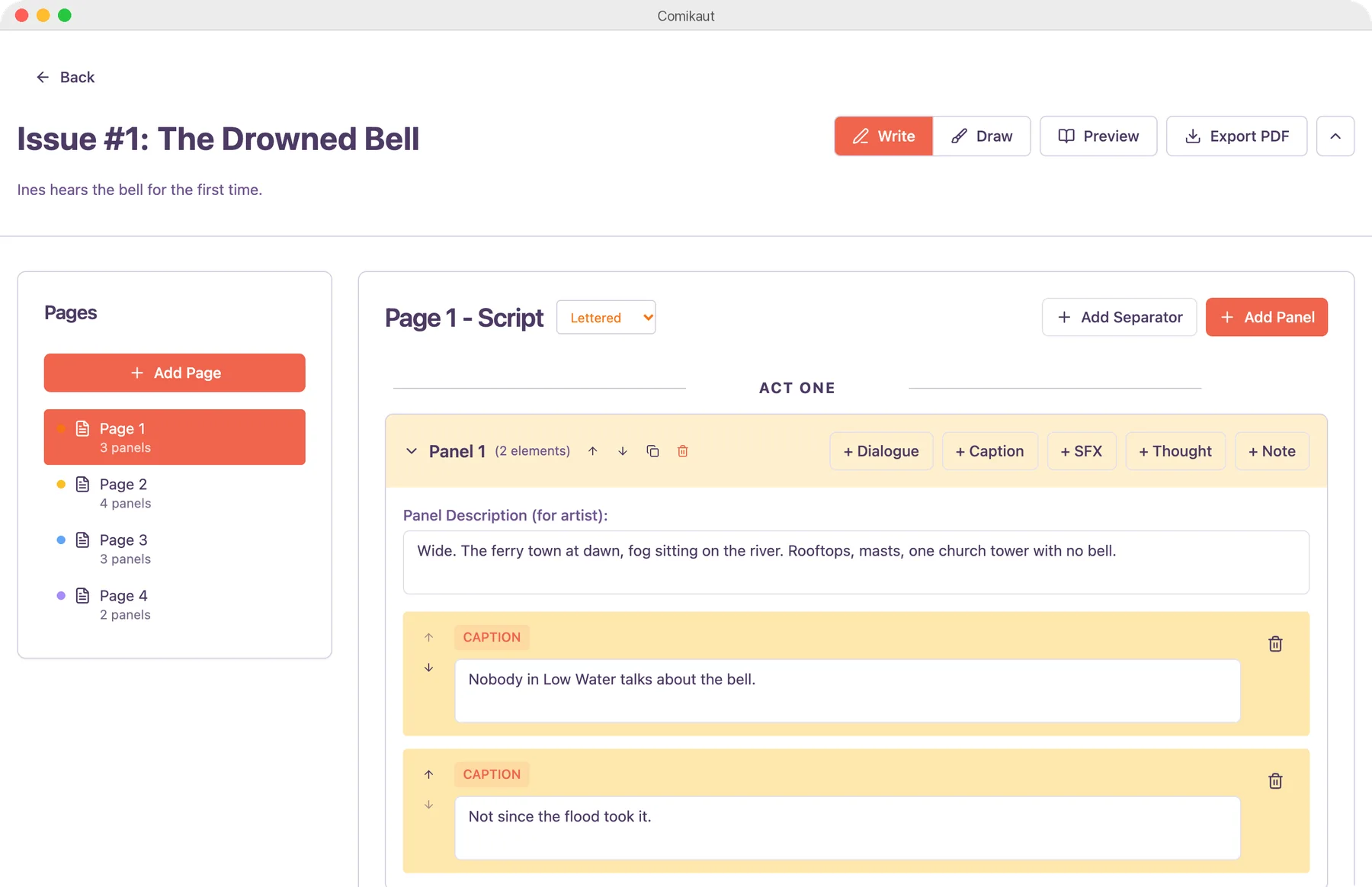
Comikaut

Comics, from script to page.

Made for comic writers, and especially powerful if you make comics on your own. Write the script, import your drawings and build the pages: panels, page layouts, balloons and many other professional tools, then export. Or use it as a lab to preview layouts.
Apple silicon · macOS 11+
Version 0.1.0 · 6.6 MB
Download
The Ultraboard iconImage boardsCRT themes

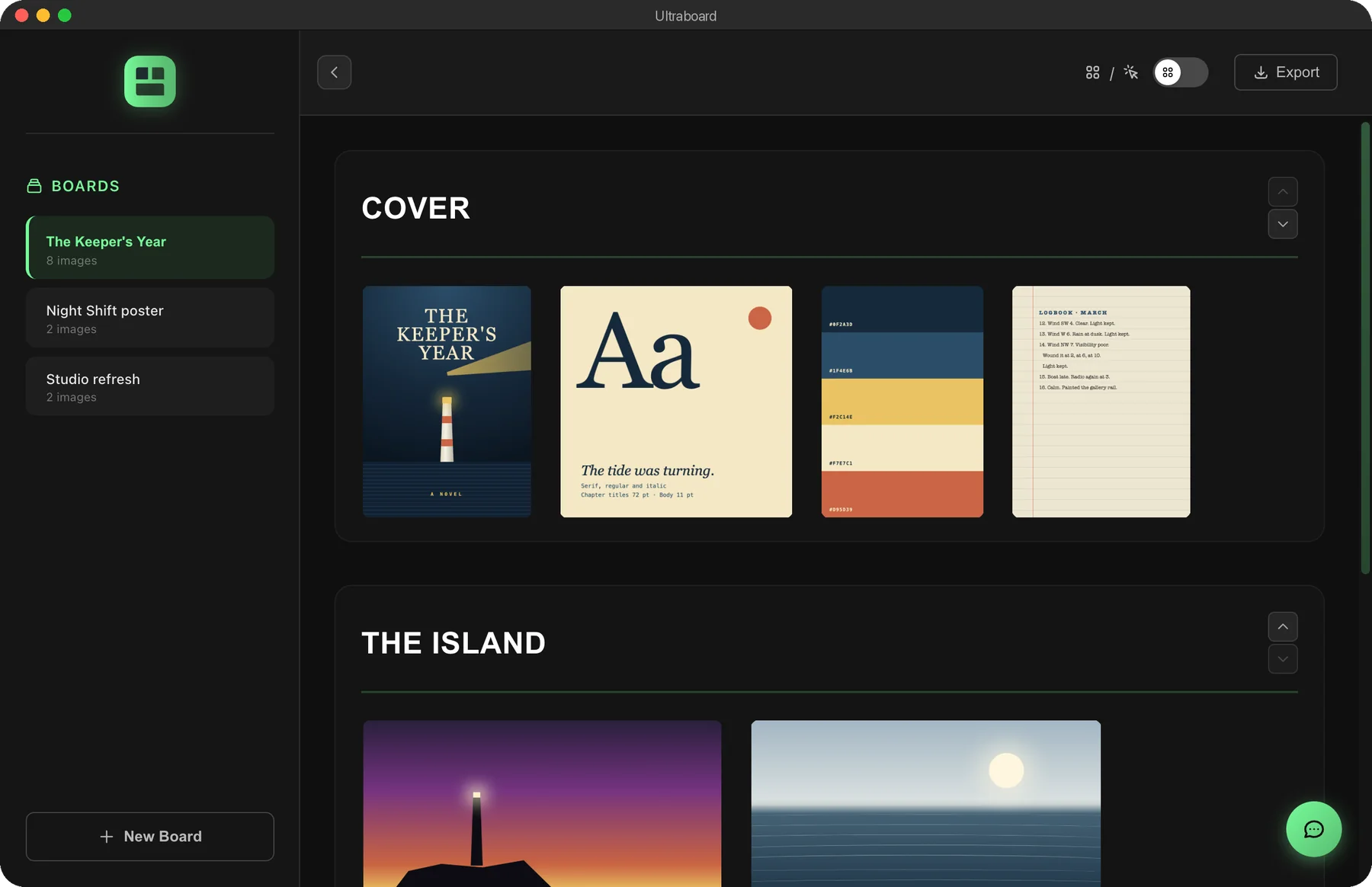
Ultraboard

Boards for your references.

Collect images on boards, in a tidy grid or freeform. Sections, layers and comments for moodboards, references and visual research.

Apple silicon · macOS 11+
Version 1.0.0 · 137.1 MB
Download
The ColorPikr iconColour

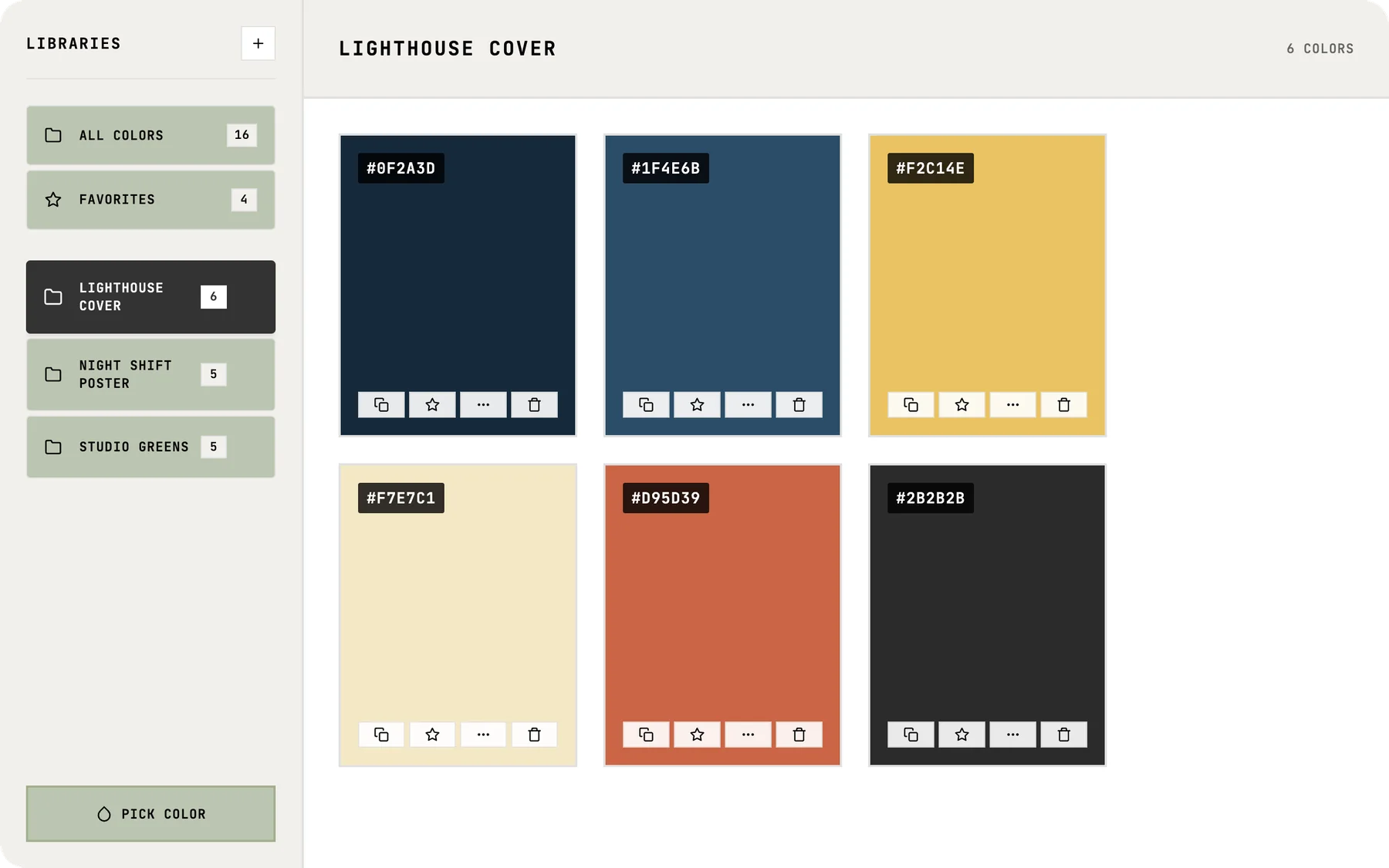
ColorPikr

Pick it, keep it.

An eyedropper for any colour on screen, read in HEX, RGB, HSL and CMYK, and palettes to keep the ones you love.

Apple silicon · macOS 11+
Version 1.0.0 · 96.3 MB
Download
The FontChekr iconFonts

FontChekr

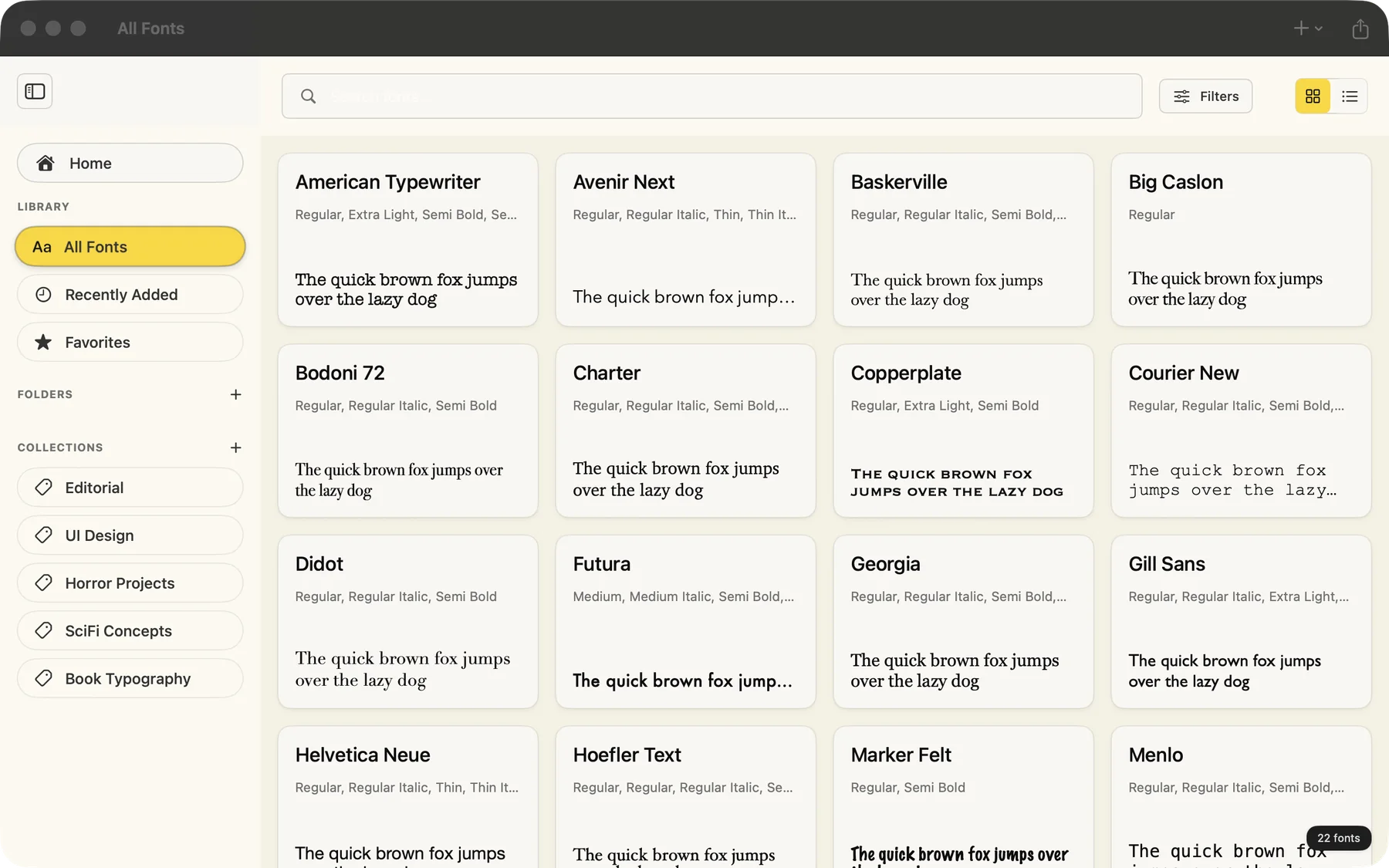
Every font you own, side by side.

Browse the fonts on your Mac, sort them into collections, compare them side by side, explore every character and play with variable axes.

Any Mac · macOS 15.2+
Version 1.0 · 2.5 MB
Download

Plan

For planning, timing and counting.

The Pipeliner iconProduction

Pipeliner

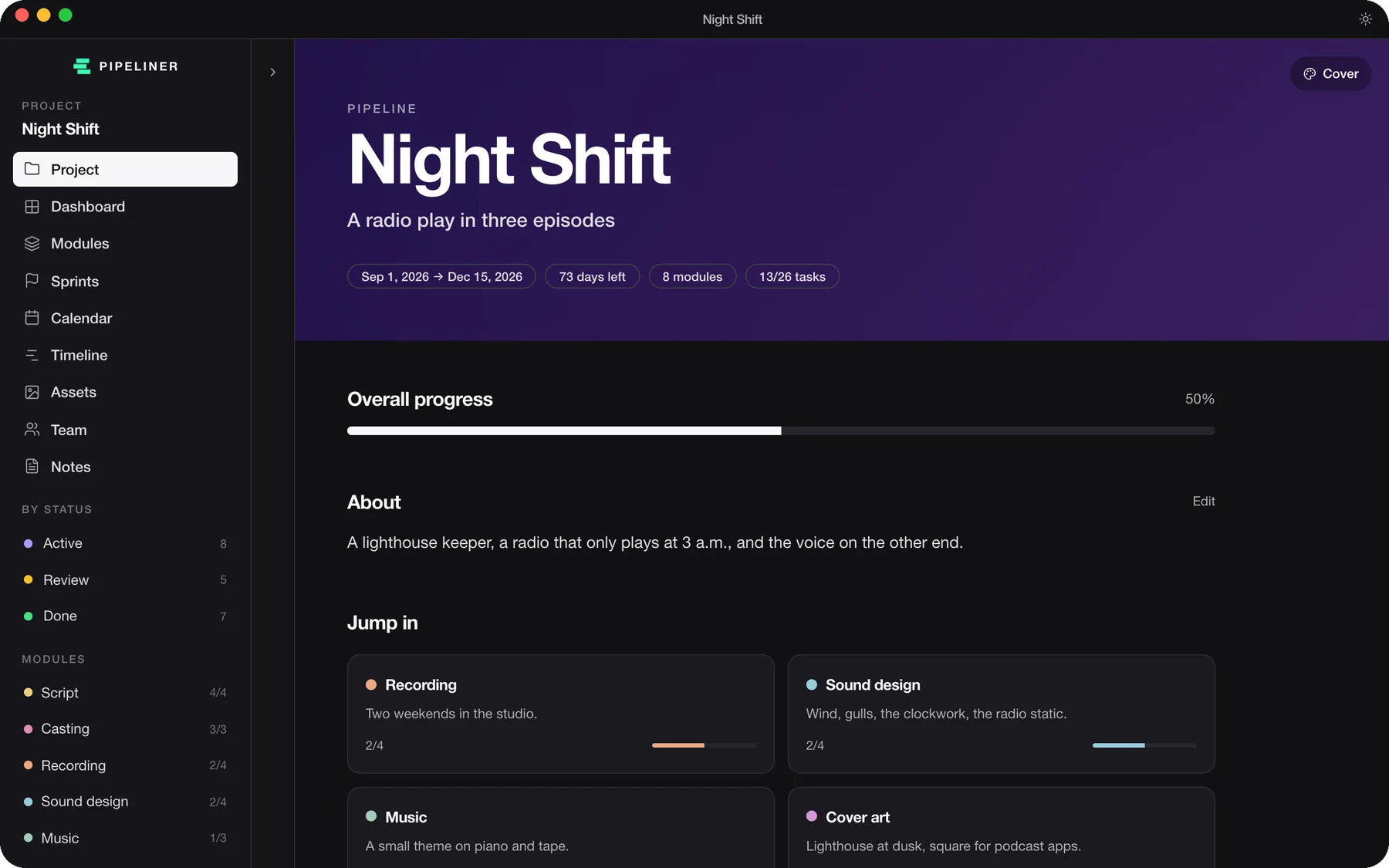
Your project, run like a studio.

Plan a creative project from first sketch to launch: modules, tasks, sprints, a timeline, a calendar, assets and the people on it.

Apple silicon · macOS 11+
Version 0.1.0 · 2.9 MB
Download
The UltraCal iconCalendarCRT themes

UltraCal

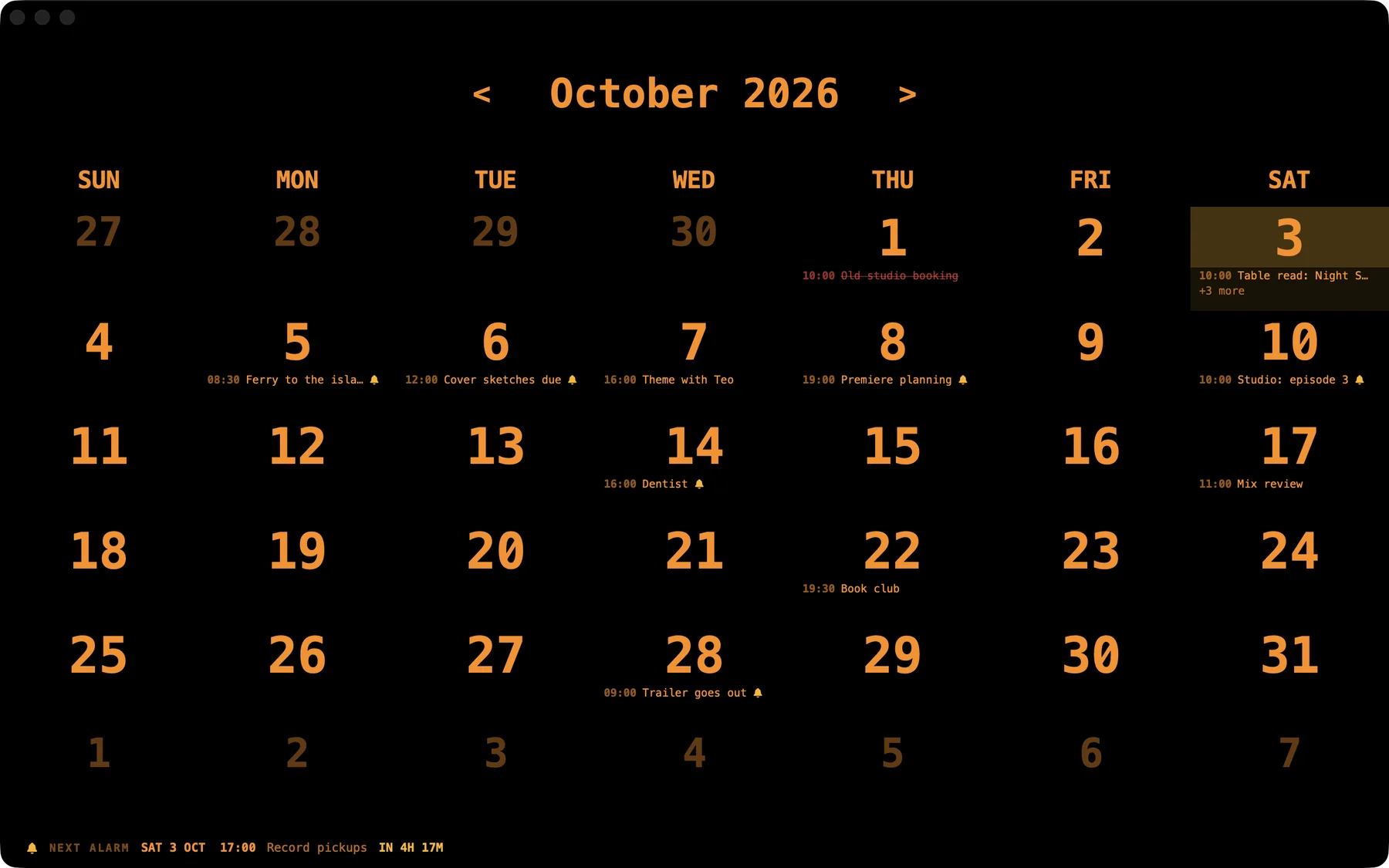
A calendar that rings on time.

Appointments, repeating events and contacts, with alarms that ring on the exact second. Today's date sits on the Dock icon, even when the app is closed.

Any Mac · macOS 15.2+
Version 1.1 · 6.2 MB
Download
The CountDown iconTimerCRT themes

CountDown

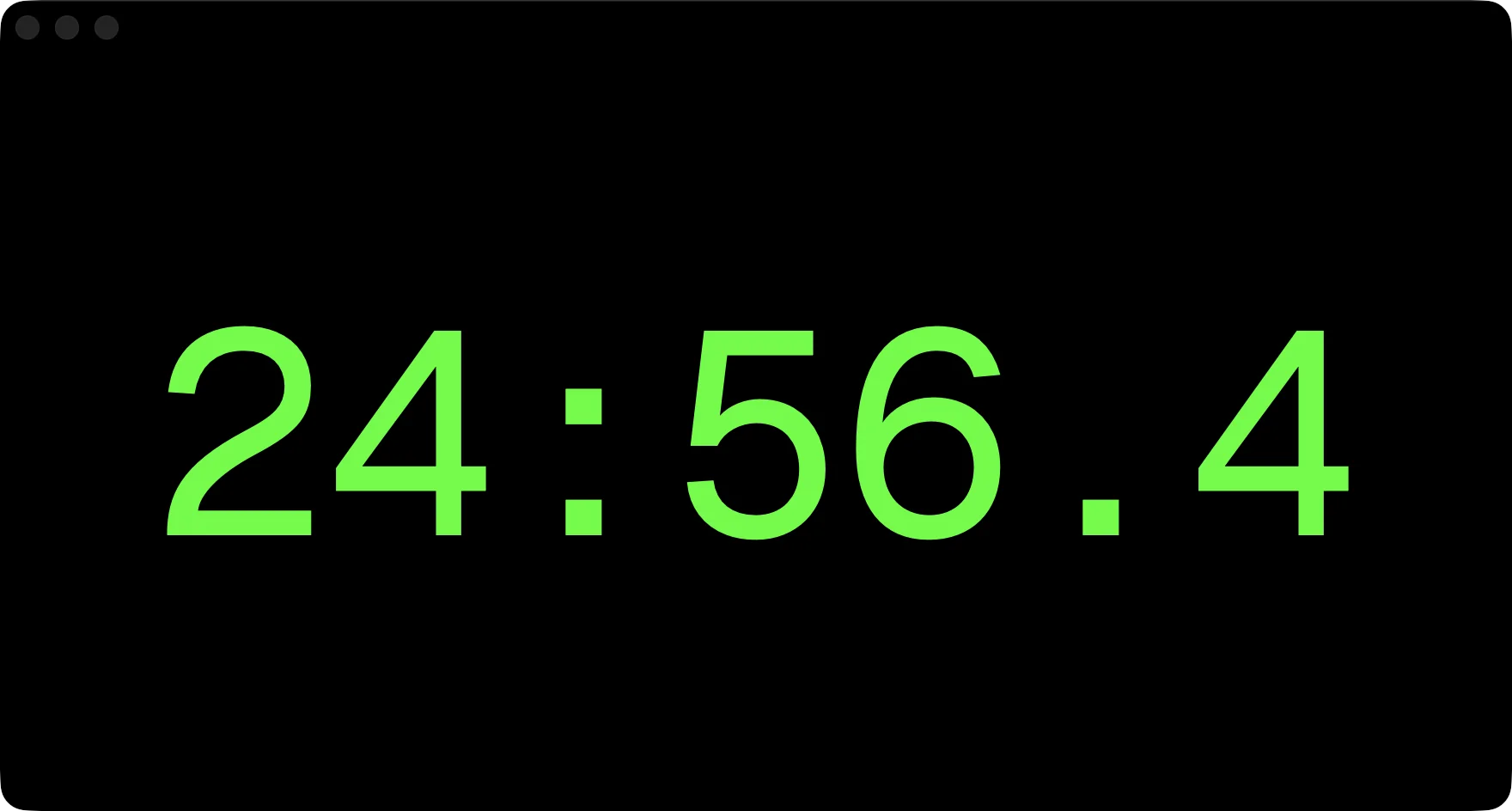
Count down to anything.

A countdown to any date and time, a Pomodoro timer for focused work, presets, alarm sounds and a background of your own.

Any Mac · macOS 15.4+
Version 1.0 · 0.9 MB
Download
The UltraCalc iconCalculatorCRT themes

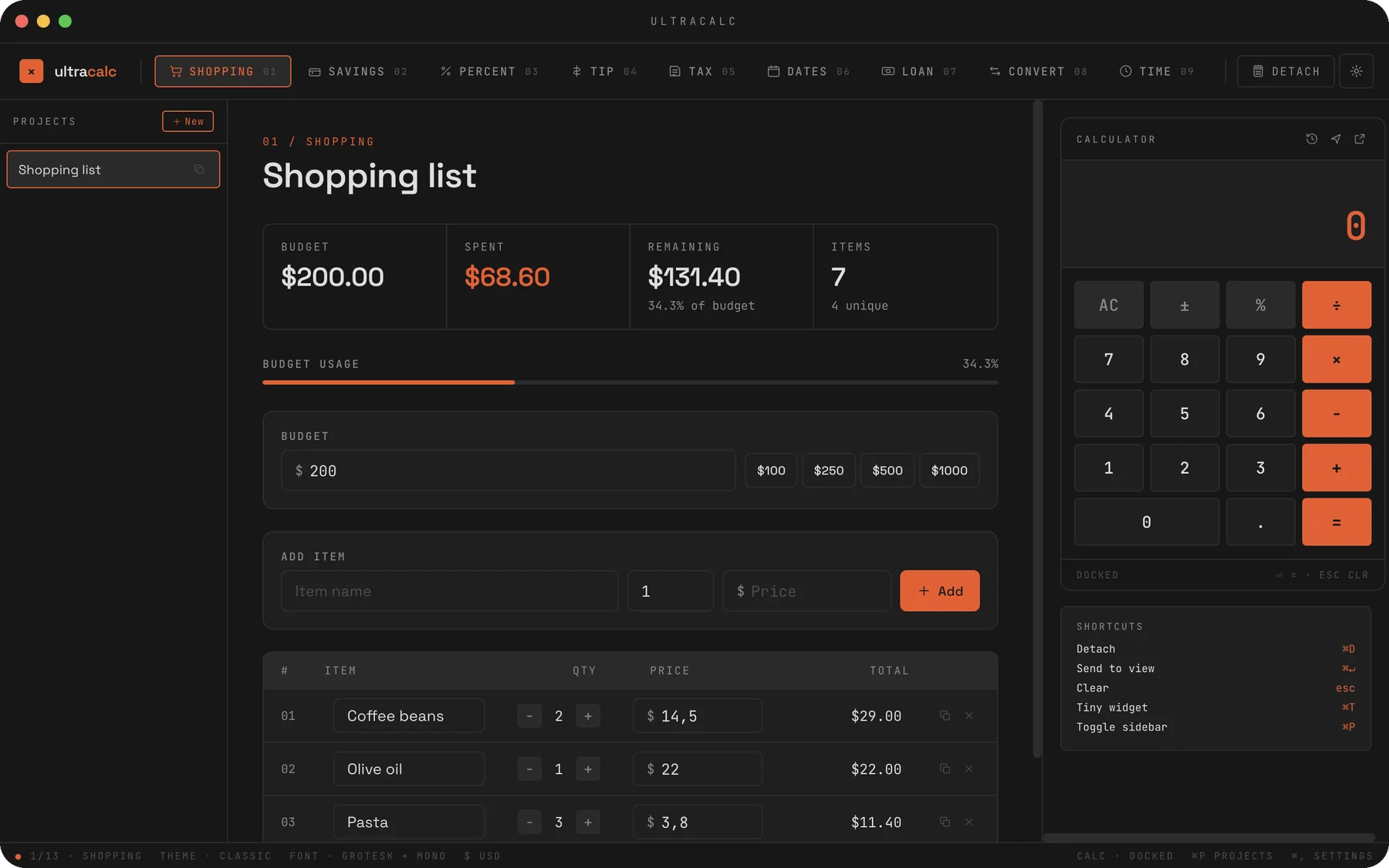
UltraCalc

Sums worth keeping.

A calculator that keeps your sums in projects, with tax, percentages, currencies and a unit converter, plus a tiny widget that stays on top.

Apple silicon · macOS 11+
Version 1.0.0 · 105.1 MB
Download

Record and listen

For your screen and your music.

The UltraRec iconScreen recorderCRT themes

UltraRec

Record your screen, beautifully.

Record a whole screen or a single window, with your camera as a layer, straight to any drive. If something crashes, your recording is recovered.

Apple silicon · macOS 11+
Version 1.0.0 · 125.2 MB
Download
The JOMOplay iconMusicCRT themes

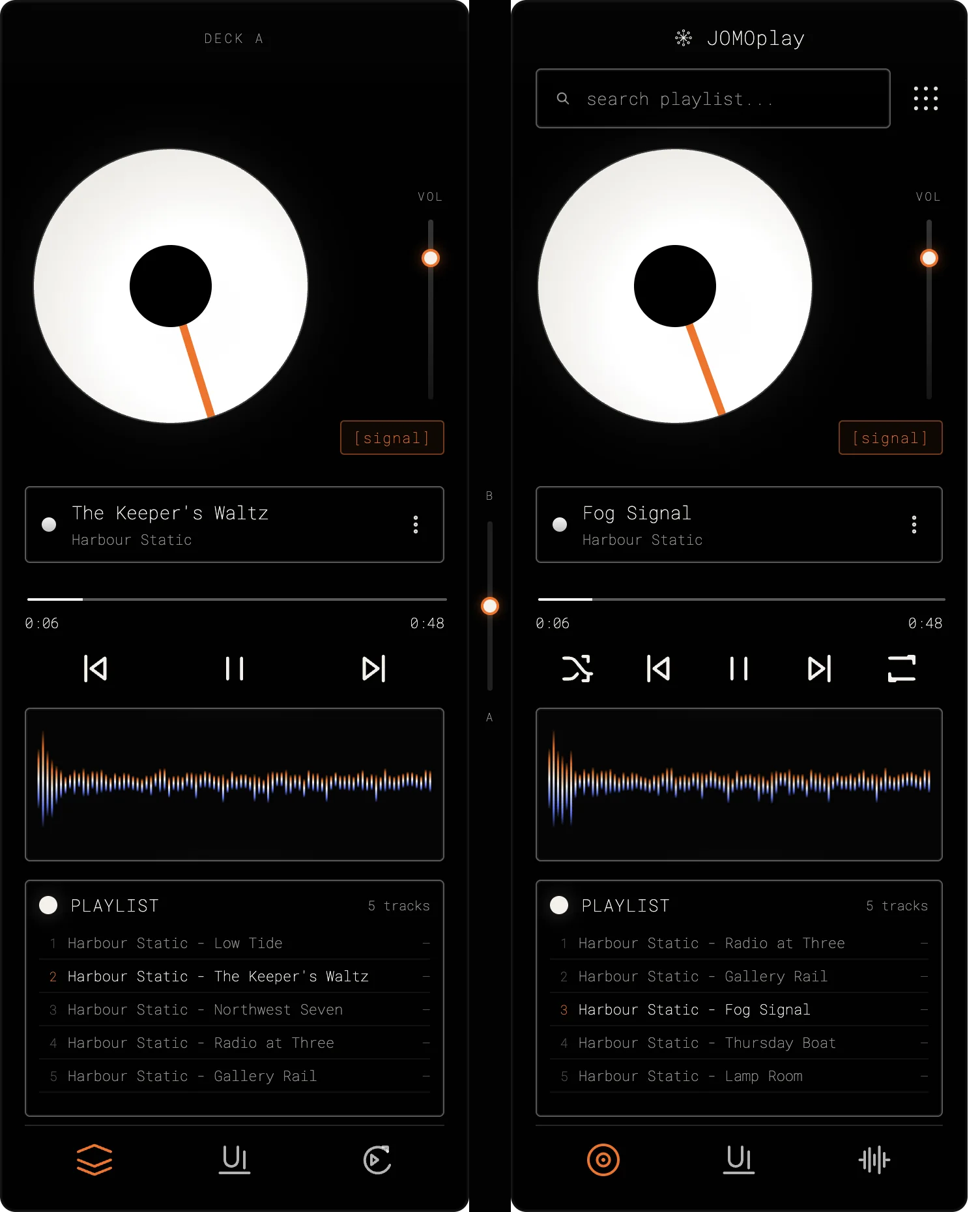
JOMOplay

Two decks and the joy of missing out.

A music player with two decks, filters, loops, brakes and five visualisers. Pick a theme, make the window transparent and let it play.

Apple silicon · macOS 12+
Version 1.0.0 · 113.1 MB
Download
The JOMOplay Lite iconMusic, minimalCRT themes

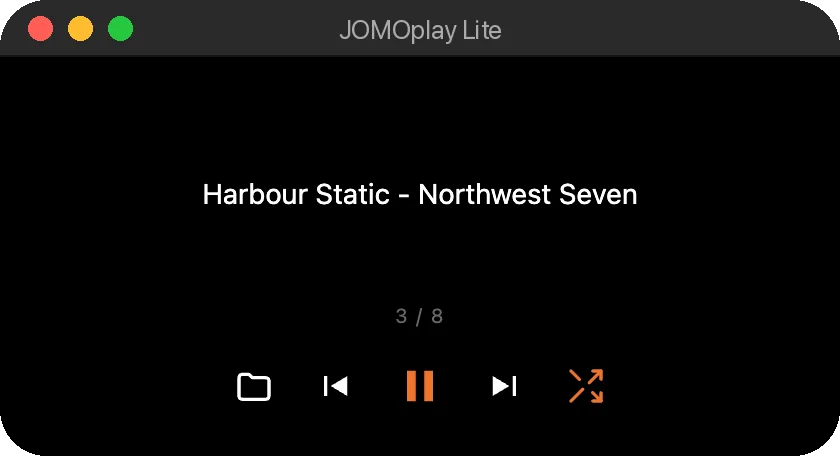
JOMOplay LiteLite

Just the music.

JOMOplay with everything else taken away. Load a playlist, press play, shuffle. Light enough to keep your Mac cool.

Apple silicon · macOS 12+
Version 1.0.0 · 113.5 MB
Download

Files

For finding and keeping things.

The SysFiler iconFilesCRT themes

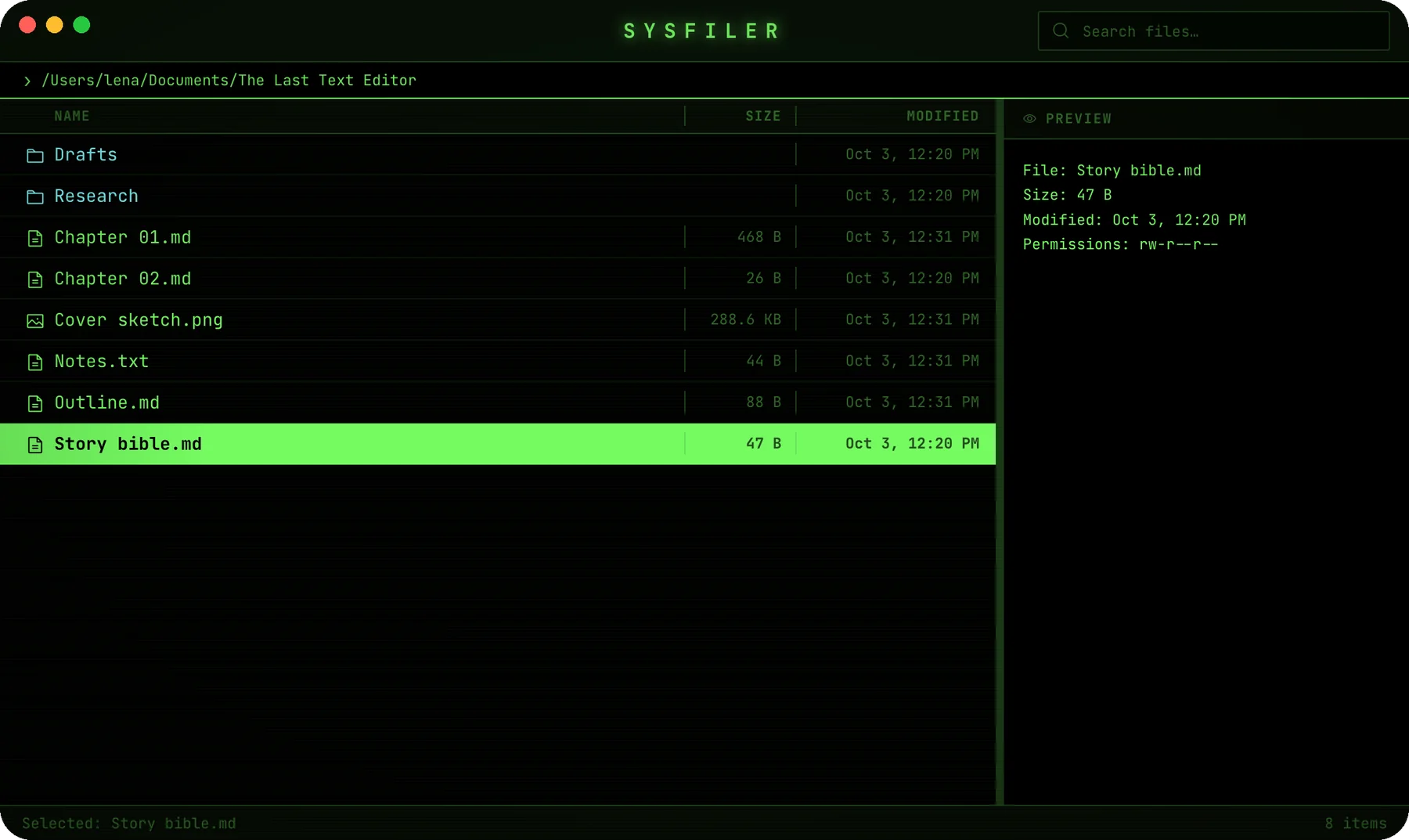
SysFiler

A file manager with a CRT glow.

Move through your files from the keyboard, search names and contents, and lock sensitive files with AES-256-GCM encryption.

Apple silicon · macOS 11+
Version 1.0.0 · 92.6 MB
Download
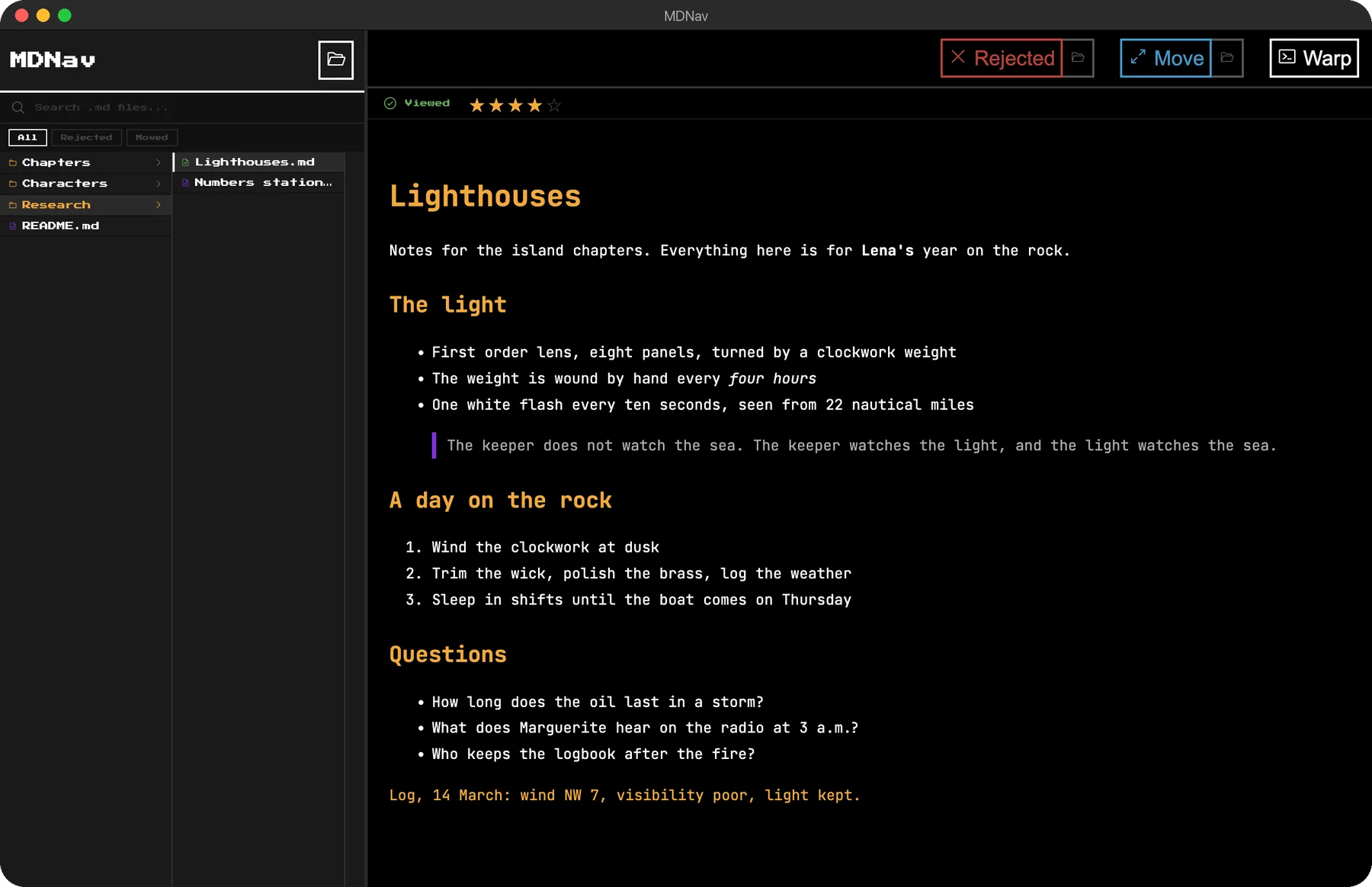
The MDNav iconMarkdownCRT themes

MDNav

All your Markdown, in one tree.

Browse folders of Markdown files, read them rendered with one click, and open any of them in Warp with a double click.

Apple silicon · macOS 12+
Version 1.0.0 · 126.1 MB
Download

First time opening one? I sign these apps myself rather than through Apple, so macOS asks once. Open System Settings, then Privacy & Security, and click Open Anyway.

A quick look

Real screens, one app at a time.

Comikaut: writing a comic script, panel by panel

Comikautwriting a comic script, panel by panel

Download

Free, for good.

No trials, no subscriptions, no ads. Every app here costs nothing, and it will stay that way.

Private by design.

No accounts and no tracking in any of them. What you make stays on your Mac.

Made by one person.

I design and build each of these myself, at UltraNarrative. Your coffee keeps new ones coming.

Free, for good

Free to use.
Fuelled by coffee.

Hi, I’m Dan. I make these tools on my own, one late night at a time. There’s no subscription and there never will be.

If one of them helps you, buy me a coffee. It keeps the updates coming and the next tools on their way, for this tribe of ours.

One coffee: a bug squashed.

Buy me a coffee

Opens Ko-fi, where you choose the amount. Every cup counts.

Say hi

An idea for a tool?
Say hi.

A bug, a feature you wish one of these had, or an app you wish existed.

Every email comes straight to me.

$ whoami

Dan Rodriguez. I make these tools at UltraNarrative.

$ say hi

Say hi